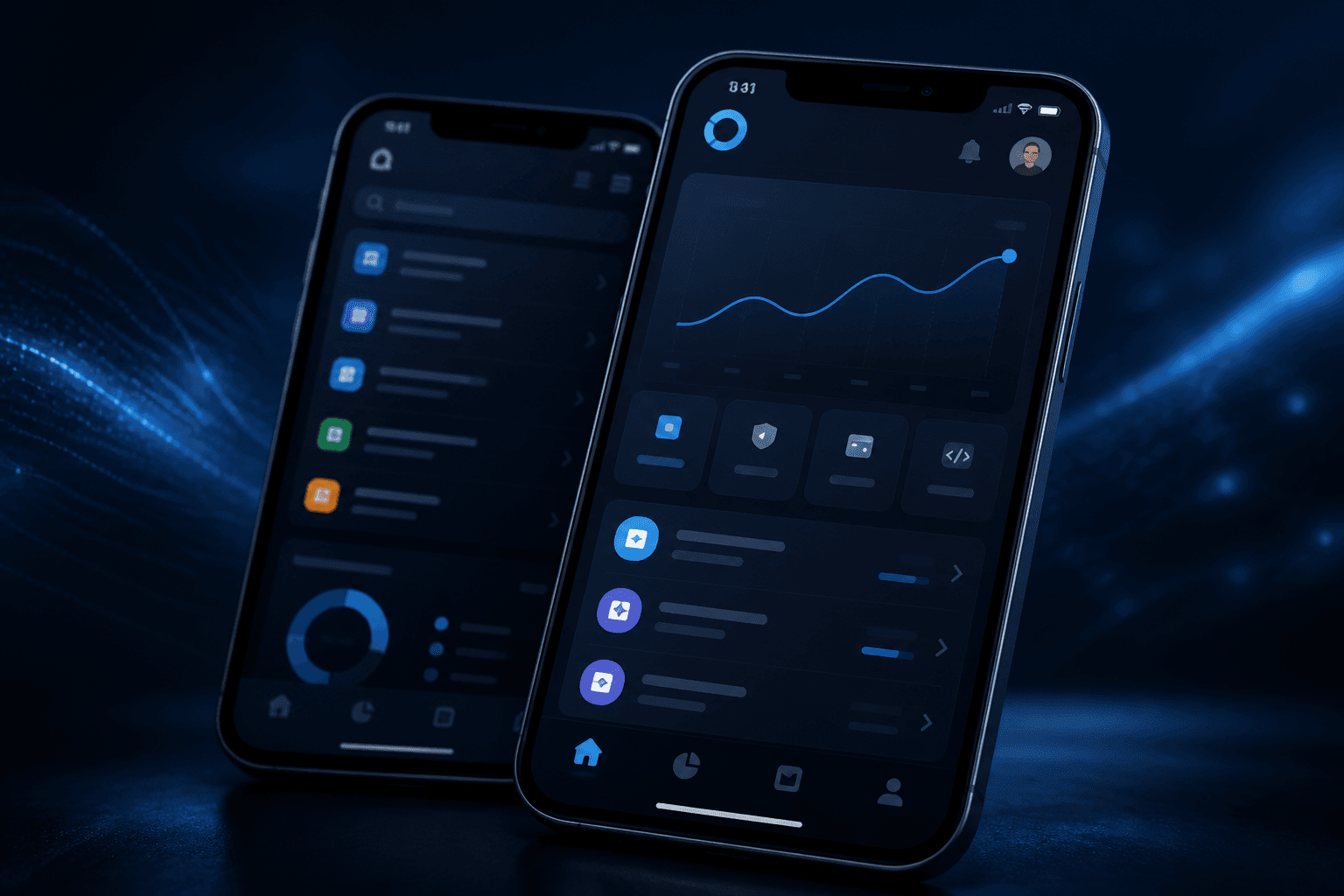
A React Native MVP is tempting because one codebase can reach iOS and Android. It is also easy to overscope — subscriptions, offline sync, chat, analytics dashboards, and three user roles before anyone has opened the app twice.
The overscoping rarely comes from bad judgment. It comes from a reasonable-sounding argument repeated in almost every planning meeting: "while we're building the auth screen, we might as well add password reset, social login, and two-factor," or "the competitor already has offline mode, so ours needs it too." Each addition sounds small on its own. Stacked together, they turn a six-week learning exercise into a five-month build that ships before anyone has validated the one thing that actually mattered — whether people want the core loop at all.
The goal of an MVP is learning or revenue signal, not a feature checklist copied from a funded competitor.
When React Native is the right MVP platform
Choose cross-platform mobile when your hypothesis depends on:
- Push notifications bringing users back
- Camera, GPS, or offline behaviour that a website cannot replicate cleanly
- App Store distribution as part of the growth model
- Daily or weekly habit rather than a one-off visit
Each of these is really a test of whether native device capability is part of the hypothesis itself, not just a nice-to-have layered on top. If the product only works because it can nudge a user at a specific moment with a push notification, or because a scan-to-pay flow needs the camera, that is a real reason to build native. If the reasoning is closer to "users expect an app" or "it feels more legitimate," that is a preference, not a requirement — and it is worth weighing against the extra weeks a mobile build costs over a web one.
If users only need a form, a brochure, or a monthly login, a Next.js web MVP may ship faster and rank in search while you validate demand.
What belongs in v1 (and what does not)
A focused React Native MVP often includes:
| Include in v1 | Defer unless critical |
|---|---|
| Onboarding + auth | Complex social graphs |
| One core user loop | Admin dashboards with 12 screens |
| Profile + settings basics | Native modules you do not need yet |
| Push for one key event | Full offline-first sync |
| TestFlight / internal testing | Perfect pixel parity with a Figma file |
The pattern in that table is not arbitrary — it is the same instinct behind any MVP: build the vertical, not the horizontal. Onboarding plus one core loop proves whether the idea works at all. A twelve-screen admin dashboard proves nothing about user demand; it just delays the point where you find out. The same goes for pixel-perfect parity with a design file — matching shadow values exactly is not free, it is a week not spent testing the loop the whole product depends on.
We use Expo by default for speed, OTA updates, and simpler store pipelines. Bare React Native or custom native modules enter the plan only when the product truly requires them.
Expo vs. bare React Native
The Expo default is worth spelling out rather than assuming it is obvious. Expo's managed workflow gets a team to a testable build faster, ships over-the-air updates for JavaScript-level changes without waiting on App Store review, and simplifies store submission through EAS Build. For an MVP, where the entire point is iterating quickly on what you learn, that speed compounds sprint over sprint.
Bare React Native or custom native modules earn their place only when the product genuinely needs something the managed workflow does not cover — a specific Bluetooth SDK, a niche payment integration, or a background-processing requirement outside Expo's supported modules. Reaching for bare React Native by default, "just in case," is a common way MVP timelines quietly grow: every native module added is something the team now owns the build configuration for, on two platforms, indefinitely. Add it when the product needs it, not when it might.
Typical timeline bands
Timelines depend on integrations and design readiness, but useful anchors:
- 4–6 weeks — single-role app, auth, one main flow, basic API integration
- 8–12 weeks — two roles, payments or subscriptions, push, store submission
- 12–16 weeks — offline flows, richer navigation, analytics, and production hardening
The biggest swing factor inside any of these bands is rarely the mobile code itself — it is how ready the backend and design are on day one. A team that arrives with a stable API contract and a small, focused design file moves through the low end of a band. A team that is designing screens and defining the data model at the same time the mobile code is being written should expect the high end, because every change to either one ripples into the other.
Weekly demos and a shared backlog keep scope honest. If the timeline grows every sprint without new requirements, the process is broken — that is the signal to stop and ask what changed, not to quietly extend the estimate again.
Store releases are part of scope
An MVP that never reaches TestFlight is not an MVP.
Plan for:
- Apple Developer and Google Play accounts
- App icons, screenshots, and privacy policy URLs
- Review feedback cycles (especially for payments and health-related flows)
- Crash reporting and a minimal release checklist
Apple's review is the step most teams underestimate. Rejections are common for reasons that have nothing to do with code quality — an incomplete privacy nutrition label, a login flow that requires a test account the reviewer was never given, or a subscription flow that does not clearly disclose terms. None of these are hard to fix, but each round of review adds days, and teams that treat submission as the last step of week twelve rather than a parallel track starting around week eight often watch launch slip for reasons that had nothing to do with engineering.
Stereasoft has shipped React Native apps through App Store and Google Play review — including rewrites from legacy native stacks.
Measuring success after launch
Define success before you build:
- Activation — % of sign-ups who complete the core action
- Retention — day-7 return rate for habit products
- Conversion — trial to paid, or lead to booked call
- Operational — crash-free sessions and API error rates
Pretty UI without metrics is a prototype, not a product experiment. The distinction matters because a prototype tells you whether something can be built; only a metric tells you whether anyone wants it. Teams that skip instrumentation almost always end up relying on anecdotes — a handful of positive comments, or the founder's own daily usage — to decide whether to keep building. That is a far weaker signal than a retention curve, and it is indistinguishable from wishful thinking right up until something goes wrong.
Common MVP mistakes
- Building two platforms worth of features for one hypothesis. Every extra screen doubles the surface area for bugs, review rejections, and design decisions — for a hypothesis that usually only needs one clean path to be tested.
- Skipping push strategy then wondering why retention is flat. Push needs a reason to exist — a specific moment worth interrupting someone for — not a generic "come back" notification bolted on the week before launch.
- Treating backend as an afterthought — auth, pagination, and error shapes matter on day one. A mobile app is only as reliable as the API underneath it, and retrofitting proper error handling after the mobile UI already assumes happy-path responses takes longer than building both together from the start.
- No plan for post-launch iteration — the first release is the start. Teams that treat launch as the finish line tend to under-resource the weeks right after it, which is exactly when the real learning — and the real bug reports — arrive.
How we deliver React Native MVPs
Stereasoft scopes MVPs with a short discovery pass, cuts the backlog to what proves the idea, and ships with:
- TypeScript throughout
- Shared API contracts with your web product when relevant
- CI checks on critical flows
- Handover docs and a clear path to v2
The discovery pass is short on purpose — usually enough to agree on the one hypothesis, the v1/not-v1 line, and a rough timeline band, not a lengthy requirements document that goes stale the moment real user feedback arrives.
See MVP development and mobile app work, or read how we approached cross-platform delivery in shipping Expo apps without store bottlenecks.
Ready to scope yours? Contact us with your timeline and one sentence about what you need to learn from v1.